Q2 2026 Clarifresh updates: Fresh produce quality management becomes more self-service
- Quality Control App
Fresh produce quality teams need systems they can adapt as quickly as their operations change.
Clarifresh’s Q2 2026 product updates give users more direct control over data capture, reporting, terminology, and produce configuration, with AI supporting measurement recognition and variety validation behind the scenes.
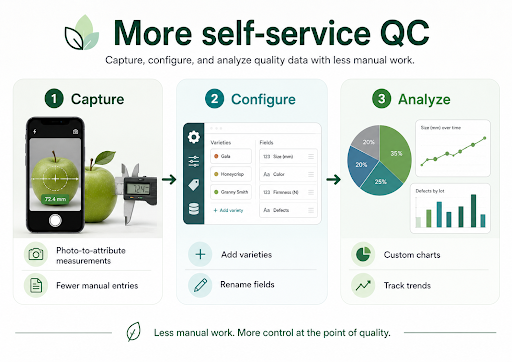
Teams can now build custom charts, capture measurements from photos, rename fields to match their own language, and add varieties without waiting on a support request.
Together, the updates point to a more self-service approach to quality management, with less manual input and more flexibility at the point of inspection.
Photo-to-attributes let you capture measurements without stopping to type
Inspectors frequently need to transfer readings from one device into another system:
- The refractometer gives a Brix result
- A probe displays temperature
- Size measurement appears in a table
Whatever it is, the inspector then has to type that value into the relevant inspection field. Clarifresh’s new photo-to-attribute measurement feature, currently in beta, removes that step.
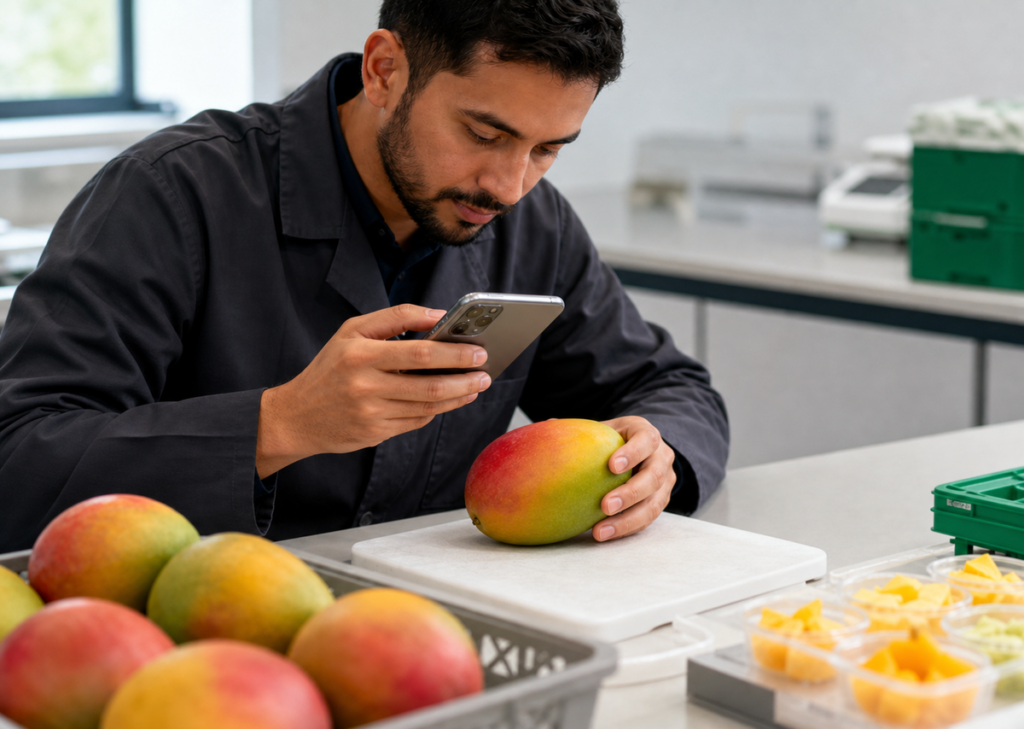
An inspector can photograph the produce alongside the measuring device. Clarifresh then identifies the relevant value and populates the corresponding field. The recognition process considers the attribute name and unit, helping it distinguish between different measurements.
It can be used with digital readings such as Brix, acidity and temperature, as well as more complex data tables. The feature can also count items captured in an image.
Processing happens in the background, allowing the inspector to continue working rather than waiting for each result.
How this works at a busy receiving dock
A QC inspector is assessing several incoming berry shipments while trucks are waiting to unload. Instead of manually typing every Brix and temperature reading into the inspection form, the inspector photographs each device and continues with the assessment.
This means fewer interruptions during the inspection and fewer opportunities to transpose or mistype a value.
The photo-to-attribute measurement beta is currently available to Pro users.
Build charts around the decisions your team makes
Collecting inspection data is only the first step. Quality managers also need to understand what the data says about growers, varieties, defects and shipment performance.
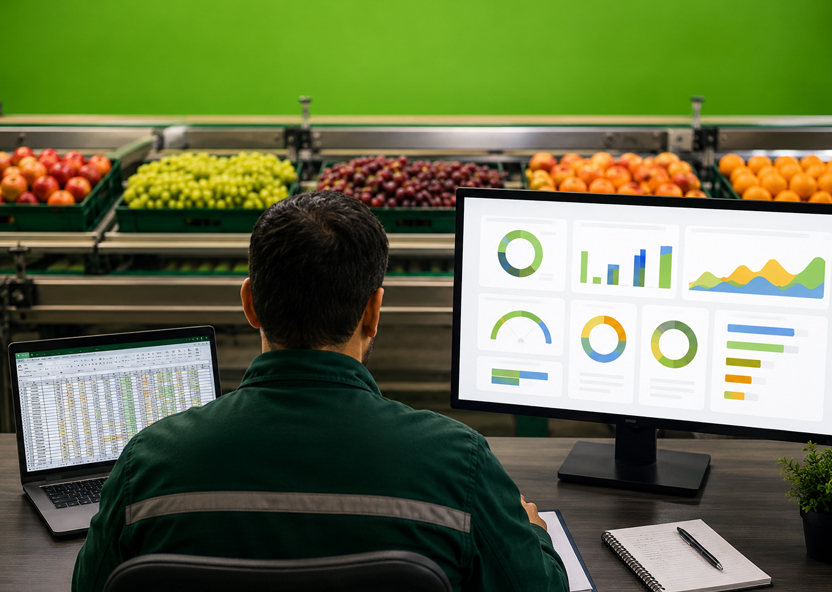
Clarifresh users can now create custom charts directly within their reports.
- The initial release supports pie charts and trend charts, with bar charts planned for a later update. Pie charts can show how inspections are distributed according to a text property, attribute or report column, such as variety or general grade.
- Teams can also weight the distribution using numeric values such as box weight, rather than treating every inspection as an equal data point.
- Trend charts track numeric properties, defect groups or attributes across an inspection timeline. Results can be divided by fields such as grower or variety, while calculations can be based on a sum, average or weighted average.
Charts can be named, saved and reused in other reports. Saving the report also preserves its chart layout.
Real-world application: Comparing performance across growers
A quality manager notices that Brix levels appear to be changing across recent citrus deliveries. They create a trend chart, divide the results by grower and compare average readings over the inspection period.
Instead of exporting the data into a spreadsheet or requesting a separate analysis, the manager can investigate the pattern within the quality platform and decide whether a particular supplier or shipment requires closer attention.
Add varieties without creating data disorder
Produce businesses regularly introduce new varieties into their inspection programs. Previously, adding one to Clarifresh required a support request. Users can now create varieties directly within the platform.
The process begins by selecting the correct variety family. This matters because the family classification helps support computer-vision measurement accuracy during inspections.
The user then enters the variety name and runs an AI validation check. The system checks whether:
- The variety is recognized within the industry.
- It belongs to the selected family.
- It already exists in the account.
When a name is entered in another language, the system can map it to the recognized English name.
This gives teams more control over their produce configuration while helping prevent duplicate records, inconsistent naming and incorrect family assignments.
Supporting a regional produce program
A regional team begins receiving a variety commonly known by a local-language name. An administrator adds it directly to the platform.
The validation process maps the entry to the recognized English name, checks that it belongs to the correct family and confirms that it has not already been added. The team can begin using the variety without waiting for a support request to be completed.
Self-service variety creation with AI validation is now available to eligible non-SMB accounts.
Make the platform match your terminology
Standard software terminology does not always match the language used inside a produce business.
Clarifresh previously used the term “package” as a standard category within specifications and inspection reports. Teams can now replace it with an alias that better reflects how they use the field.
For example, a business that uses the field to record size can rename “package” to “size.” The change is applied throughout the web platform, mobile application, reports, inspection details and standards configuration.
This is a relatively small configuration change, but familiar terminology can reduce confusion during onboarding and make the platform easier to use consistently across teams.
More control at the point of quality
These updates reflect a wider move toward more self-service quality management.
- Inspectors can capture measurements with even less manual input than before
- Quality managers can build visualizations around the questions they need to answer
- Administrators can update varieties and terminology without placing every configuration change into a support queue
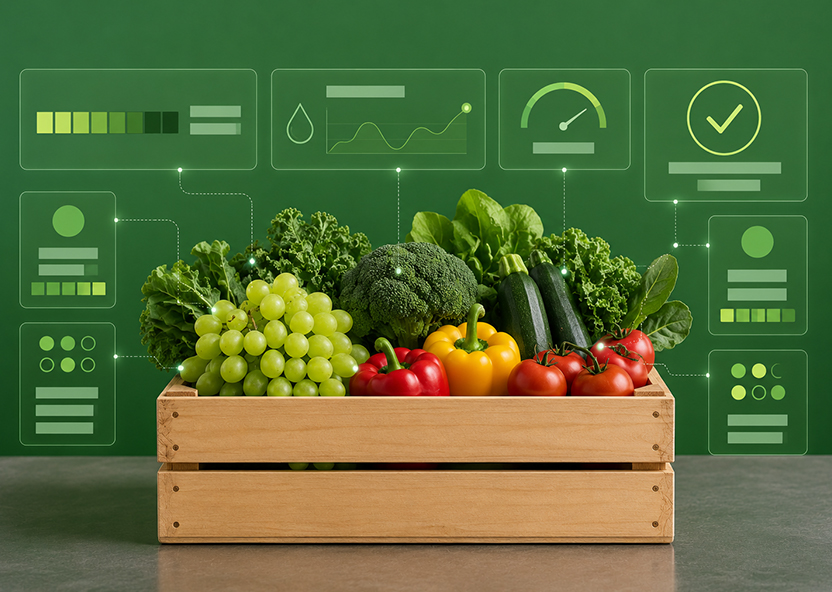
Self-service does not mean removing controls. Features such as contextual photo recognition and AI variety validation are intended to give users more flexibility while maintaining structured, usable data.
Quality programs change as new varieties, suppliers, buyers and inspection requirements are introduced. We believe the systems supporting them need to adapt at the same pace.
Explore the latest Clarifresh updates and give your quality team more control over every inspection.